Key Takeaways
- Reply to the original Shopify app delisted ticket email. Per the platform, Support can’t update governance tickets, so a second channel gets you nothing.
- Establish which enforcement action you’re under before you notify merchants. Delisting, removal and API revocation have different blast radii and different clocks.
- If the notice cites an API deprecation, migration is the whole remediation. Shopify delists apps that keep calling unsupported resources past the deadline.
- If it cites a security or data control, a fix without retest evidence is an unverified claim. Attach the retest.
- An independent retest gives your closure evidence a source other than you.
It’s 7 a.m., and someone has pasted a ticket number into Slack. Your Shopify app was delisted overnight, new installs have stopped, and the email gives you a deadline and a requirement you apparently missed, but no name and no response time. Your CEO wants to know if merchants are affected, support wants something to tell customers, and you don’t yet know what Shopify found.
The first instinct is to patch something and post about it, right? Well, let’s take a minute: what if we treat the notice like an external audit finding: scope it, fix the root cause, have someone other than the author verify the fix, and reply on the original ticket?
Shopify can’t share the specifics of its investigation, Support can’t update the ticket, and nobody has published a relisting timeline. So write everything down as you go. Scope it, keep your logs, have someone else retest the fix, then reply. This is our own take, not Shopify’s guidance. Short on time? Jump to the reply template.
Want the evidence list? Read the checklist.
What should you do in the first 24 hours after a Shopify delisting notice?
To start off, by tonight you want three answers:
- What exactly did Shopify do?
- Which requirement does it say you missed?
- Are you confident you’re not exposed right now?
Everything else can wait for those.
Start with the email, and read it like a requirements doc, because it’s the only one you’ll get. Shopify’s enforcement page says these notices carry a unique ticket number, that Support can’t provide updates on them, and that the governance sender address isn’t actively monitored. So the thread is your only channel.
Pull out the ticket number, the deadline with its time zone, and the cited requirement word for word.
The forums are a useful reality check.
One developer says they didn’t know the first delisting email needed a reply, and reports three more of their apps were delisted afterwards. Another replied right after fixing the issue and heard nothing for almost two days while installs stayed blocked.
They’re single accounts, not Shopify’s process, but they point the same way: assume a reply is expected, and assume the answer will take longer than you’d like.
There’s a timing decision worth making on purpose. A thread about a privacy-policy warning suggests that replying to the notice by email is what triggers manual review of your fix.
We’d sit on the reply until the fix and the evidence are actually ready, unless the deadline leaves you no choice. Work backward from that date: evidence preserved today, a working hypothesis tomorrow, then the fix, the independent retest, and the reply, with some slack left at the end. Book the retest first.
What’s worth doing today:
- Record the ticket number, the deadline with time zone, and the stated requirement verbatim.
- Establish which enforcement action applies (next section).
- Snapshot relevant logs and config to storage outside normal retention, and suspend log rotation and TTLs on anything relevant. Your root-cause analysis, and any later claim about exposure, depend on logs you might be about to age out. Restrict access to the copy, since it likely holds customer data.
- If there’s a sign of compromise, such as a leaked token, revoke it now and run the snapshot in parallel. If there isn’t, rotate secrets as part of the fix, not as a reflex.
- Freeze unrelated deploys, so you can say exactly what changed and when.
- Name an incident lead, a communications owner, and one person who sends everything to Shopify. Keep whoever verifies the fix separate from whoever wrote it.
- Open an incident record: notice text, deadline, working hypothesis, affected merchants, owners, evidence locations.
- Check the Dev Dashboard. Shopify flags deprecated calls and their deadlines there.
Verify: the ticket number matches the thread, the log snapshot exists with a named owner, and you know the app’s install status, search visibility and behaviour for installed stores.
Delisting vs removal vs API revocation: what happens to installed merchants?
Shopify’s enforcement page lists these as separate actions, and the forums use the words interchangeably. For an app, Shopify may:
| Action | What it means |
|---|---|
| Reduced visibility | Fewer search placements, or removal from promotional surfaces |
| Delisting | Temporary or permanent removal from the App Store, with new installs blocked |
| Removal from a store | Shopify removes the app from a merchant’s store |
| API revocation | Shopify revokes the app’s access to its APIs |
| Review suspension | A temporary block on submitting apps for review |
| Partner Account termination | The account ends on a stated removal date |
Note: Partner Account termination is a separate, heavier action. The account ends on a stated removal date, and you lose Partner tools and the ability to create new accounts or apps.
The question that matters is blast radius: what happens to merchants who already have you installed?
For an app removed for a violation, Shopify says merchants can keep using it until the removal date, and it uninstalls the app for those who haven’t. It typically gives at least 30 days’ notice, and less for severe violations.
Pro Tip: Pass that “typically” on to your own merchants, since you can’t promise more than Shopify does.
Delisting on its own is the murky case. Shopify defines it as removal from the App Store plus blocked new installs, and the page doesn’t say what happens to existing installs. API revocation, by contrast, can break installed instances whether or not you’re listed. So rather than guess, run three quick checks:
- Try a fresh install from a development store.
- Look at installed stores: do API calls still work, or do you see authorization errors?
- Find the two dates in the notice: when merchants can keep using the app, and when Shopify may uninstall it.
Do note that visibility can stay affected after an issue is resolved, and that violations can affect eligibility for programs like Built for Shopify. Brief your leadership on that now.
What are the common causes of a Shopify app being removed from the App Store?
According to Shopify experts and documentation, it calibrates restrictions to separate mistakes from deliberate violations, and the public examples read like mistakes: the app changed, or the rules changed, and nobody was watching.
The platform explicitly states that keeping up with new requirements is the Partner’s responsibility, so “it passed review once or last time” isn’t a valid defence.
- Privacy policy or URL: one forum thread reproduces a warning to fix a privacy-policy link that didn’t load, with a deadline. It’s the cheapest fix on this list and the easiest to miss.
- Deprecated APIs: the one cause with a published deadline and a first-party alert (details below).
- Changed functionality: a temporary delisting notice says apps must stay in the completed state that was reviewed, and cites significant changes since the initial review. If your app has drifted from its listing, expect questions.
- Billing: Shopify’s App Store requirements say apps using off-platform billing can’t be distributed, and that any charge must go through Shopify App Pricing or the Billing API.
- Charges must also be approvable, declinable and re-requestable on reinstall, and merchants must be able to change plans without contacting support or reinstalling.
- Security and data handling: missing or weak controls around OAuth, tenant isolation, webhooks, retention or protected customer data. In fact, one developer was delisted for not sending installers without an account in their own system through OAuth, a class covered by our security checklist.
On deprecation: Shopify ships a stable API version every quarter, supports each for at least 12 months, and overlaps consecutive versions by at least nine. After the upgrade deadline, an app that keeps calling unsupported resources is delisted, blocked from installs for at least seven days, and flagged in the admin until seven days after the last detected call.
In our view, that makes it the cause you can most cheaply rule out and the hardest to excuse.
Two details matter. When your requested version is retired, Shopify falls forward to the oldest accessible stable version and reports it in the X-Shopify-API-Version header, so a mismatch means you’re running on a version you didn’t choose.
Any deprecated calls are attributed to the app whose access token made them, so a support engineer’s Postman collection using your app’s token can raise the alert against your app. That’s also a secrets problem: an app token in a shared collection is a credential somewhere you probably don’t audit.
Verify: search code and logs for deprecated calls, compare version headers against your pin, check Dev Dashboard alerts, and walk Shopify’s requirements against production, not against your last review submission.
What should you do if the delisting is about security or data handling?
Run it as an incident. Treat the finding as confirmed until your own evidence says otherwise, and work the steps in order.
1. Triage: Identify the control the notice cites: OAuth, tenant isolation, webhook verification, retention, encryption, protected customer data. Contain first:
- Revoke and rotate any exposed credentials.
- Disable the affected path if a safe fix isn’t ready.
- Preserve logs, access records and configuration.
2. Scope the reach with a pentest, and the exposure with logs: These are different questions, and it’s easy to blur them.
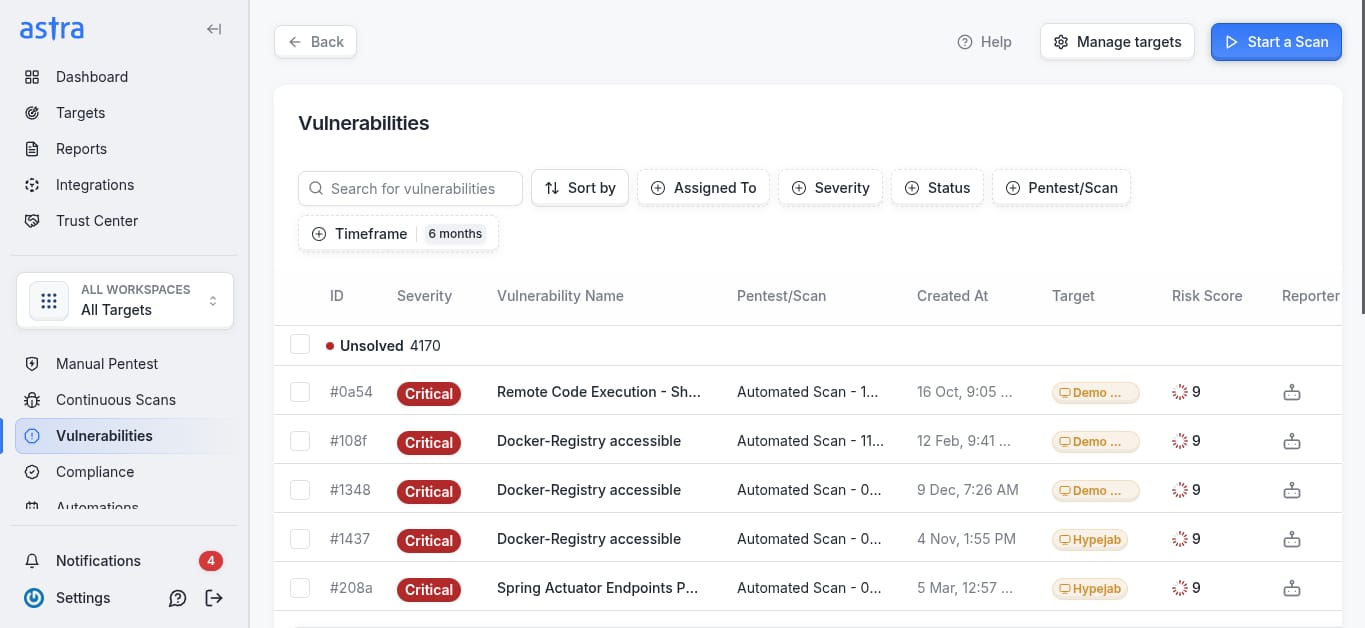
- A pentest tells you how far the weakness reaches: whether it reproduces, which tenants, endpoints and data paths it touches, and whether there are variants.
- Logs tell you whether anyone actually used it.
- If your logs can’t support a conclusion about exposure, you can’t state one to Shopify or to merchants, so find that out now.
- Check backups, exports, queues and downstream services for copies. Notification duties are a question for counsel, and this guide isn’t legal advice.
3. Fix the pattern, not the instance: If one handler trusted a request-derived shop identifier, go looking for the others. A short list to sweep:
- Cross-store access: authenticate as Store A and try Store B’s IDs on every route, not only the dashboard.
- Webhook handlers that skip HMAC verification, and app-proxy endpoints that skip signature checks.
- Over-broad scopes that widen the damage of a stolen token.
- Secrets in repos, client bundles, logs and support tooling.
4. Retest independently: The engineers who wrote the fix shouldn’t be the only ones confirming it.
- Retest the original finding and its variants.
- Run regression on neighbouring controls.
- For a material issue, use an outside tester. A dated third-party report is evidence, and “we fixed it” is a claim.
5. Build the evidence pack: Shopify doesn’t publish what a delisting reply should contain, so this is our list:
- The original notice and ticket number, with an incident timeline
- Root-cause analysis in plain language
- What changed and when it was deployed
- Pentest scope and retest results
- Configs or diagrams relevant to the control (data flows, access rules, retention, deletion)
- Your incident response and no
The fix is internal work. The pack is what someone outside your team can check, and a good test is whether a reviewer who has never seen your app could re-run your argument from it alone.
How do you reply to Shopify and relist your app?
Before you draft, picture the reader: a busy reviewer who has never heard of your app, working from a ticket. The reply that works is the one they can accept without a follow-up.
Per Shopify’s page says the governance sender address isn’t actively monitored, and it also says to reply to the email, so we’d do both: reply on the original thread with the ticket number in the subject, and make the message self-contained.
Subject: Re: [Original subject line] | Ticket #[number]
Hello Shopify Partner Governance team,
Re: [app name]. Your notice says: “[paste the requirement exactly as written]”.
Root cause: [one factual paragraph]
Containment: [what you disabled, revoked, rotated or isolated, with UTC timestamps]
Fix: [what changed and when it deployed]
Verification: [checks, retest results, independent validation if any]
Merchant impact: [what was affected, and the log evidence behind that statement]
Evidence attached: [list]
Preventive controls: [what now stops a repeat]
Please tell us what else you need.
[Name, role, company]
Specificity is what separates a strong reply from a hopeful one. Here’s what a good root-cause line looks like (illustrative):
Root cause: the order-export endpoint read the shop domain from a query parameter instead of the authenticated session, so a valid session for one store could request another store’s export. Fixed on [date, UTC] by deriving the shop from the session token. We swept all handlers for the same pattern and found [n].
A few habits help:
- Summarize attachments in the body, since nobody opens a PDF to decide whether to read it.
- Write dates in UTC.
- Don’t assert “no data was affected” without log evidence.
- Don’t promise a relisting date Shopify hasn’t given you, and don’t argue policy. If you believe the action is a mistake, Shopify says to follow the appeal instructions in the notice, and it may ask for more documentation.
And what to avoid:
- Public channels. A Shopify staff reply in one forum thread says account-specific governance actions can’t be discussed in the community and points back to the Governance thread.
- A parallel Support ticket. Support can’t update governance tickets.
- Resubmitting before the fix is verified. Shopify can temporarily suspend your ability to submit apps, and says it will take additional action if issues continue or required steps aren’t taken.
What should you tell merchants while your app is delisted?
Merchants will hear about it from you or from a broken install, and you’d rather it be you.
The trap is saying more than you know, so the message should hold to what the notice supports: Shopify’s action in Shopify’s terms, what changes for the merchant and when, what you’re doing, and when you’ll write again.
Clear it with counsel, and your incident lead first. Shopify won’t share investigation specifics, so anything beyond the notice is conjecture, and guessing at Shopify’s process in a customer email is a risk you don’t need.
Terminology is where this goes wrong. Telling merchants the app was “removed from the App Store” when the notice says “reduced visibility” creates a correction you’ll have to issue later.
It helps to prepare the “what this means for you” line in advance, in three versions:
- Installed base unaffected: existing installs keep working, new installs are paused.
- Removal date set: the exact date, and what merchants should do before it.
- API access revoked: the app may not work right now, and here’s the workaround or timeline.
Subject: Update on [App name]
Hi [name],
Shopify has [state exactly what the notice says] while we address [issue area].
What this means for you:
- [Whether your installation stays active, with dates]
- New installs are unavailable for now.
What we’re doing: [fix and validation]
What you can do: [specific step, or “nothing right now”]
Next update: [date]
[Support contact or status page]
After the first message, the cadence is what builds trust.
Every 48 to 72 hours is reasonable, with identical wording across email, in-app banners, the status page and support macros so the story doesn’t fork. Every merchant message should leave them one clear instruction, even if it’s “nothing right now.”
How do you prevent a repeat delisting?
Two things carry most of the weight: continuous scanning for the cheap failures, and a pentest calendar for the expensive ones. Then there’s a third that people skip: rehearsing the 7 a.m. Slack message.
Run these continuously:
- Dependency and secret scanning on every commit or daily.
- Shopify’s automated checks on every release.
- OAuth, webhook verification and tenant-isolation tests on every major release.
- An explicit API version pin, with an alert when X-Shopify-API-Version on responses or webhooks differs from it.
- App access tokens treated as production secrets. Nothing outside the app, such as support tooling or shared collections, should hold them.
The calendar gives it a rhythm. Shopify cuts a new API version on the first day of each quarter and recommends updating each quarter, so your version review has natural dates: the first weeks of January, April, July and October, with a named owner. The annual pentest is the control scanners can’t replace.
Put it ahead of your busiest release window, and add one after any release that changes authentication, authorisation, or data handling. Privacy-policy, retention and incident-plan reviews fit every six to twelve months. For what each gate should check, see our guides to Shopify App Store requirements and the pre-review security checklist.
Two habits make the next notice less painful:
- Keep the evidence pack warm. A current architecture diagram, a scope-to-feature matrix, and your last pentest report mean the next reply starts from a folder, not a scramble.
- Run the scenario once as a 30-minute tabletop. Who gets paged, who owns the reply, where the logs live, who can disable a feature. You’ll find the gaps in an hour that would otherwise cost you a day.
Need a pentest for your delisting reply?
A security-related notice is easier to close when someone other than the team that wrote the fix confirms it. Astra’s manual pentests (PTaaS) test the cited issue against your live app, including how far it reaches, and retest your fix. Certified pentesters report findings with remediation guidance, free rescans verify the fixes, and a publicly verifiable certificate follows remediation.
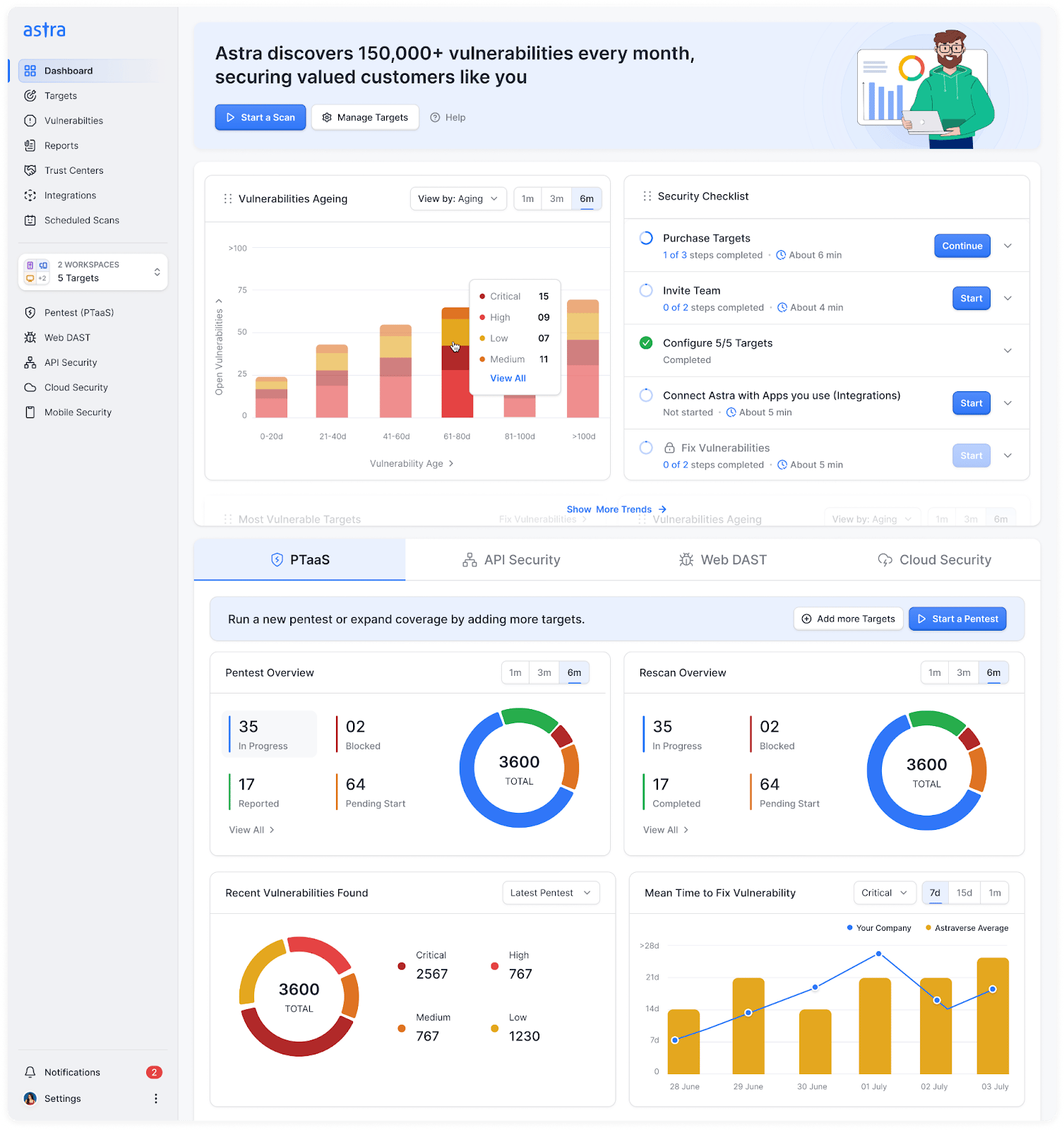
Share the notice’s requirement up front so the test is scoped to it, and attach the report to your reply. Shopify decides the outcome, and no report guarantees relisting. Notices about a privacy link or an API migration don’t need a pentest.
Delisting notice? Get an expedited pentest. Scope a Pentest
Final Thoughts
A delisting notice is an audit finding with a deadline and one channel for the response. Scope it, fix the root cause rather than the instance, verify independently, and send closure evidence on the original ticket.
Nothing here guarantees relisting. Shopify makes that call. What you control is the quality of the record you hand it.
FAQs
Can a delisted Shopify app be relisted?
It can, but Shopify doesn’t promise it. A delisting can be temporary or permanent, and Shopify says it aims to provide a clear path to compliance wherever possible. Fix what the notice names, reply on the original ticket, and keep your evidence ready.
How long does it take to relist a Shopify app?
Shopify doesn’t publish a relisting timeline. Developers on its forums report everything from quick responses to days of silence, so don’t promise merchants a date. Reply on the original ticket and update merchants on a fixed schedule.
What’s the difference between a Shopify app being delisted and removed?
Delisting removes your app from the Shopify App Store and blocks new installs. Removal uninstalls it from merchant stores, and Shopify typically gives those merchants at least 30 days’ notice. API revocation can stop an installed app working even while it stays installed.
Will existing merchants lose my app if it’s delisted?
Shopify’s enforcement page defines delisting as removal from the App Store plus blocked new installs, and doesn’t say installed stores lose the app. A separate removal action can do that. Test your installed stores rather than assuming.
Should I contact Shopify Support about a delisting?
Not for updates. Shopify says Support can’t provide updates on governance tickets. Reply directly to the original email, which carries the ticket number. Keep the whole conversation on that thread so nothing gets split across channels.