


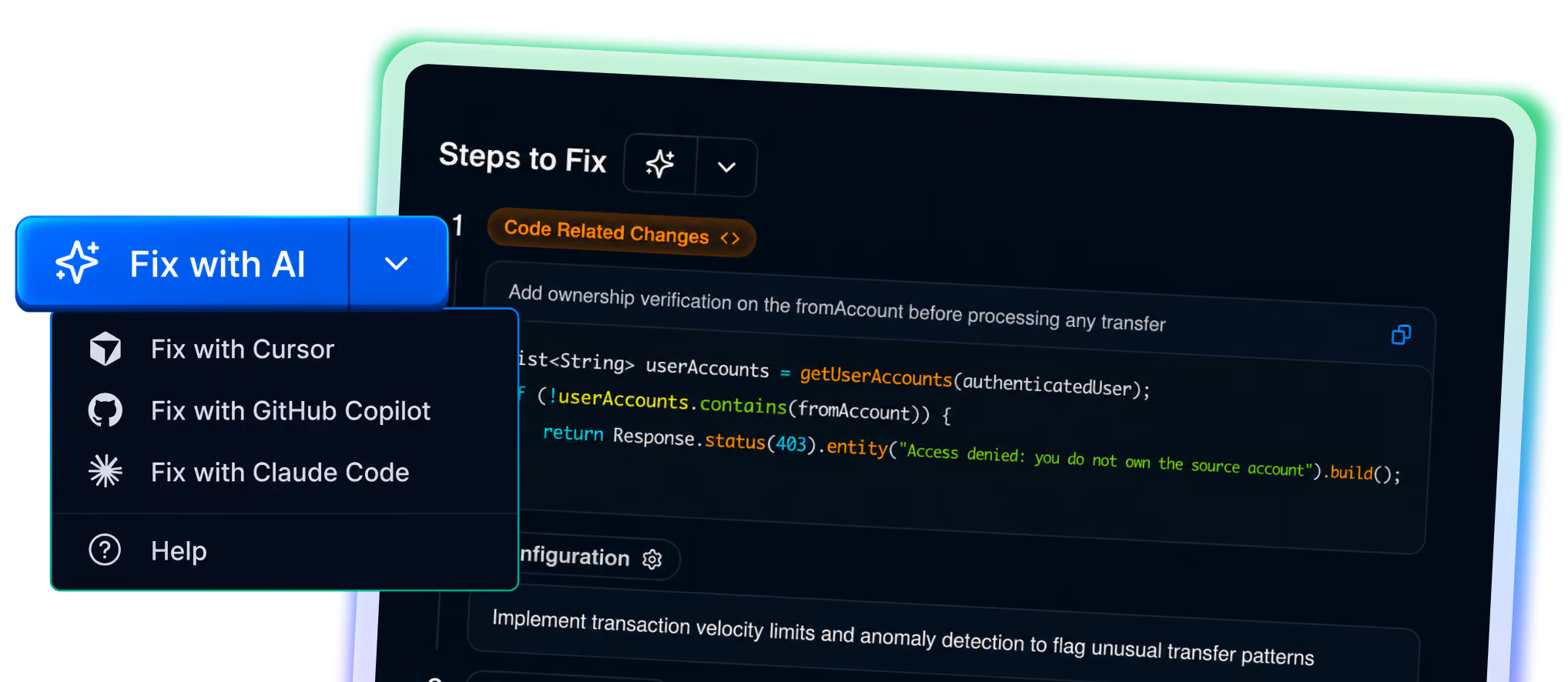
From vulnerability to fix in one session
Four stages fully automated. Your developer receives the fix without leaving this editor.
Vulnerability discovered
with proof of exploit
Independent agent
confirms true positive
Fix written for your
specific codebase
Ready-to-paste prompt
in your IDE via MCP
Fix prompts delivered via MCP directly into your Cursor workspace. Context pre-loaded. No copy-paste hunting.
Astra connects via MCP to deliver vulnerability context and fixes to Copilot inside VS Code.
Full vulnerability context passed to Claude Code via MCP. Fixes generated with your codebase in mind, not just the finding.
What MCP means for your engineering and security teams
Traditional pentests give you a PDF report. Astra gives you a direct bridge between your
security findings and your developer's code editor.
Traditional Pentesting
Hours of interpretation:
No more trying to guess what a security finding actually means.
Generic advice:
No more "update your library" without showing you how.
Workflow disruption:
No logging into separate dashboards to trace bugs.
Context switching:
No manual copy-pasting or switching between tools.
Astra Autonomous Pentesting
Zero interpretation needed:
Clear, unambiguous exploit proofs.
Generic Advice:
Fixes adapt to your existing patterns.
Same-session fixing:
Find it, understand it, and fix it in the same window.
Native workflows:
Works directly inside Cursor, Copilot, or Claude


"The MCP integration is where Astra pulled ahead of every other pen test vendor we've engaged with. Our engineers pulled findings, repro steps, and fixes straight into their IDE. Triage turned into a few queries in chat. Fixes landed faster because the agent already had full context. Every finding came with detailed repro steps and a real fix. We'd hire them again."
Helen Tse
What you can do with Astra MCP
Run security workflows directly from your AI assistant. Start scans, triage findings,
generate reports, and query your Astra account without leaving your workflow.
Start & schedule scans
Start security scans on your targets or schedule recurring scans without opening the Astra dashboard.
Triage & fix vulnerabilities
Find open vulnerabilities, understand what needs attention, update issues, and request rescans after you fix them.
Generate & share reports
Generate security reports and find recent reports or download links directly through your AI assistant.
Ask across your Astra account
Query targets, vulnerabilities, findings, audits, and comments to get security insights across your authorized workspaces.

Frequently asked questions
What is autonomous penetration testing?
Do you fix the found vulnerabilities too?
Who performs the VAPT/Pentest?
How does the pricing work?
I have a specific scope, can you tailor the pricing?
