A practical buyer’s guide for developers, AppSec engineers, and engineering managers choosing where to scan, what to scan, and which tool actually fits.
Key Takeaways
- No single scanner covers everything; SAST, DAST, SCA, IAST, and secrets scanning each catch a different layer, so most mature teams run more than one.
- Free tools go far: Semgrep for SAST, Trivy for containers/IaC, Gitleaks/TruffleHog for secrets, all open-source and production-ready.
- Raw finding count is a vanity metric; noisy scanners get ignored, so tune for signal and pair automation with human verification.
- Astra sits above the scan layer, adding human-validated pentesting across web, API, cloud, & mobile once compliance and IDOR-style logic flaws demand more than automated detection.
Code security scan tools exist to catch the risk you wrote in a file yourself…before it’s shipped, and in 2026 they have stopped being optional. A 2025 report by Verizon found that vulnerability exploitation now drives 20% of all breaches, a 34% jump year over year, putting it nearly level with stolen credentials as the top way attackers get in.
Our own state of continuous pentesting report uncovered data points in the same direction. In 2026, Astra Security discovered 6.8 million vulnerabilities, a 275% increase, with critical vulnerabilities growing 14.6x faster than everything else.
Moreover, every 1/10 finding was now critical, up from 1 in 40 in 2024, with velocity being a critical vulnerability every 48 seconds, and the perturbing part is that most of those flaws (IDOR, authentication bypass, injection) start life as a few lines of insecure code.
So if you are a developer trying to ship without shipping a CVE, an AppSec engineer trying to scale coverage, or an engineering manager trying to justify a budget line, this guide is for you.
We will walk through the types of scanning, how these tools actually work under the hood, the features that matter, and a reviewed shortlist of the nine best code security scan tools in 2026, with a side-by-side comparison and an honest take on where we (Astra) fit.
8 Best Code Security Scan Tools in 2026
- Semgrep (SAST, open-source)
- SonarQube / SonarCloud (SAST)
- Snyk (SCA + SAST)
- Checkmarx (Enterprise SAST)
- Veracode (SAST + DAST)
- GitHub Advanced Security / CodeQL
- Trivy (containers + IaC)
- Gitleaks / TruffleHog (secrets scanning)
What are Code Security Scan Tools?
Since humans cannot manually review every line across a codebase that ships daily, Code security scan tools sit inside your SDLC or, from the IDE, automatically on a developer’s laptop, in the CI/CD pipeline, and inspect your source code, dependencies, or running applications for security vulnerabilities and flag them before attackers can exploit them.
This ensures that most issues get caught while they are cheap to fix in the pipeline rather than wreaking havoc post-production.
Why does this matter in 2026? Engineering teams ship daily. Cloud infrastructure changes weekly. The attack surface moves continuously, but most security programs still measure it occasionally. Code scanning is the layer that keeps pace with how fast you actually deploy, which is exactly why the gap between measurement and reality is where breaches live.
Types of Code Security Scanning
Not all scanning is the same, and using only one type only rewards you with blind spots. Secondly, each method looks at a different part of your stack at a different moment in the lifecycle.
Here is how the 5 core types compare:
| Type | What It Scans | When It Runs |
|---|---|---|
| SAST (Static Analysis) | Source code | Pre-compile |
| SCA (Software Composition Analysis) | Dependencies / open-source | Build time |
| IAST (Interactive Analysis) | Runtime plus code | During testing |
| Secrets Scanning | Hardcoded credentials | Pre-commit / CI |
A quick read on each:
- SAST reads your source code without running it and traces how data flows through the app to spot patterns like SQL injection or insecure deserialization. It runs earliest, so it catches issues before a build even compiles.
- SCA inventories your open-source dependencies and flags known vulnerable versions. Given that most modern apps are mostly third-party code, this is where a lot of risk actually hides.
- IAST instruments your app during automated testing, combining code-level visibility with runtime context to cut down false positives.
- Secrets scanning hunts for hardcoded API keys, tokens, and passwords. This one earns its keep: 80% of tracked S3 and AWS credential exposure on our platform in 2025 came from credentials sitting in mobile binaries, not cloud scans.
How Code Security Scan Tools Work?
Under the hood, most static scanners follow the same 6-step pipeline. Understanding this is critical so you don’t end up staring at the findings while the scanner just feels like a black box.
- Ingest the source code or binary. The scanner reads your repository, build artifact, or container image as its input.
- Build an AST or data-flow model. It parses the code into an Abstract Syntax Tree and maps the flow of data from sources (user input) to sinks (a database query, a shell command).
- Apply a ruleset or vulnerability signatures. It matches your code against thousands of rules for known weakness patterns, mapped to standards such as the OWASP Top 10 and the CWE.
- Flag findings by severity. Each issue is ranked as Critical, High, Medium, Low, or Informational, so you can triage the most dangerous ones first.
- Output a report with location and remediation. Good tools give you the exact file, line number, the data-flow path, and concrete fix guidance, not just a vague warning.
- Integrate into CI/CD or the IDE. Results feed back into your pipeline (when a build fails) or surface inline in the editor, so developers can fix issues without leaving their workflow.
Below is an example of a SAST rule in practice. This Semgrep rule flags a classic Python SQL injection where user input is concatenated straight into a query:
rules:
  - id: python-sql-injection
	languages: [python]
	severity: ERROR
	message: >
  	User input flows into a raw SQL query.
  	Use parameterized queries instead.
	patterns:
  	- pattern: |
      	$CURSOR.execute("..." + $USERINPUT)
	metadata:
  	cwe: "CWE-89: SQL Injection"
  	owasp: "A03:2021 - Injection"
And here is the kind of code that rule would catch, alongside the fix it nudges you toward:
# Flagged: user input concatenated into the query
cursor.execute("SELECT * FROM users WHERE id = " + user_id)

# Safe: parameterized query, input never touches SQL syntax
cursor.execute("SELECT * FROM users WHERE id = %s", (user_id,))
Key Features to Look For
Two scanners can both claim “DAST” and behave nothing alike. When you are evaluating, run down this checklist:
- Language and framework coverage: make sure it actually supports your stack, including the frameworks you use, not just the base language.
- IDE and CI/CD integrations: look for native support for GitHub Actions, GitLab, Jenkins, and your editor, so scanning happens where developers already work.
- False-positive rate and tuning: a noisy scanner gets ignored. You want the ability to suppress, tune, and write custom rules.
- OWASP Top 10 and CWE coverage: findings should map to recognized standards so you can prove coverage during audits.
- Fix suggestions or auto-remediation: the best tools propose a patch, not just problems.
- License compliance (for SCA): if you pull in open-source, you need to know which licenses come with it.
- Reporting and audit trail: exportable, shareable reports matter for SOC 2, PCI, and board conversations.
A Note on Noise Vs. Signal: On our platform in 2025, automated finding volume grew 3.1x while human-vetted findings fell 36%. The lesson for tool selection: raw detection volume is not the same as confirmed risk. Favor tools that let you tune findings and, ideally, pair automation with human verification so your critical count means something.
8 Best Code Security Scan Tools in 2026
We have grouped the shortlist by where each tool shines. For each one, you get what it is, its scan type, who it is best for, whether it is free or paid, and its standout feature. A full comparison table follows at the end of the section.
Semgrep (SAST, open-source)
- What it is: fast, open-source static analysis engine that scans code using simple, readable pattern-matching rules.
- Scan type: SAST, with secrets and dependency scanning in the paid tiers.
- Best for: developer-first teams that want to write and customize their own rules quickly.
- Free or paid: free open-source core, paid Semgrep AppSec Platform for teams.
- Standout feature: rules read almost like the code they match, so you are not learning a query language to get value on day one.
Snyk (SCA + SAST)
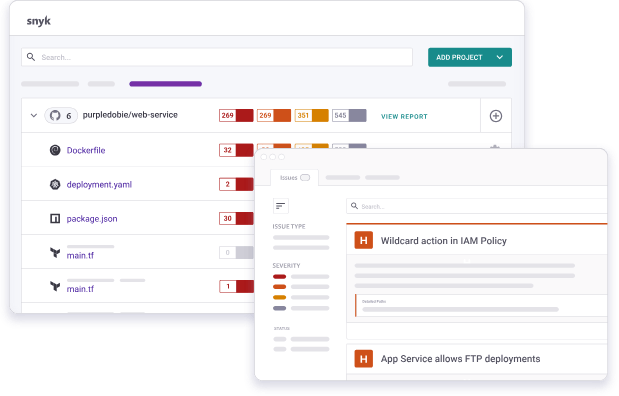
- What it is: a developer-security platform best known for dependency scanning, with strong SAST, container, and IaC coverage.
- Scan type: SCA plus SAST, containers, and infrastructure-as-code.
- Best for: teams whose biggest risk is open-source dependencies and who want fixes suggested inline.
- Free or paid: free tier with limited tests, paid plans for scale.
- Standout feature: one-click upgrade PRs that bump a vulnerable dependency to a safe version automatically.
SonarQube / SonarCloud (SAST)
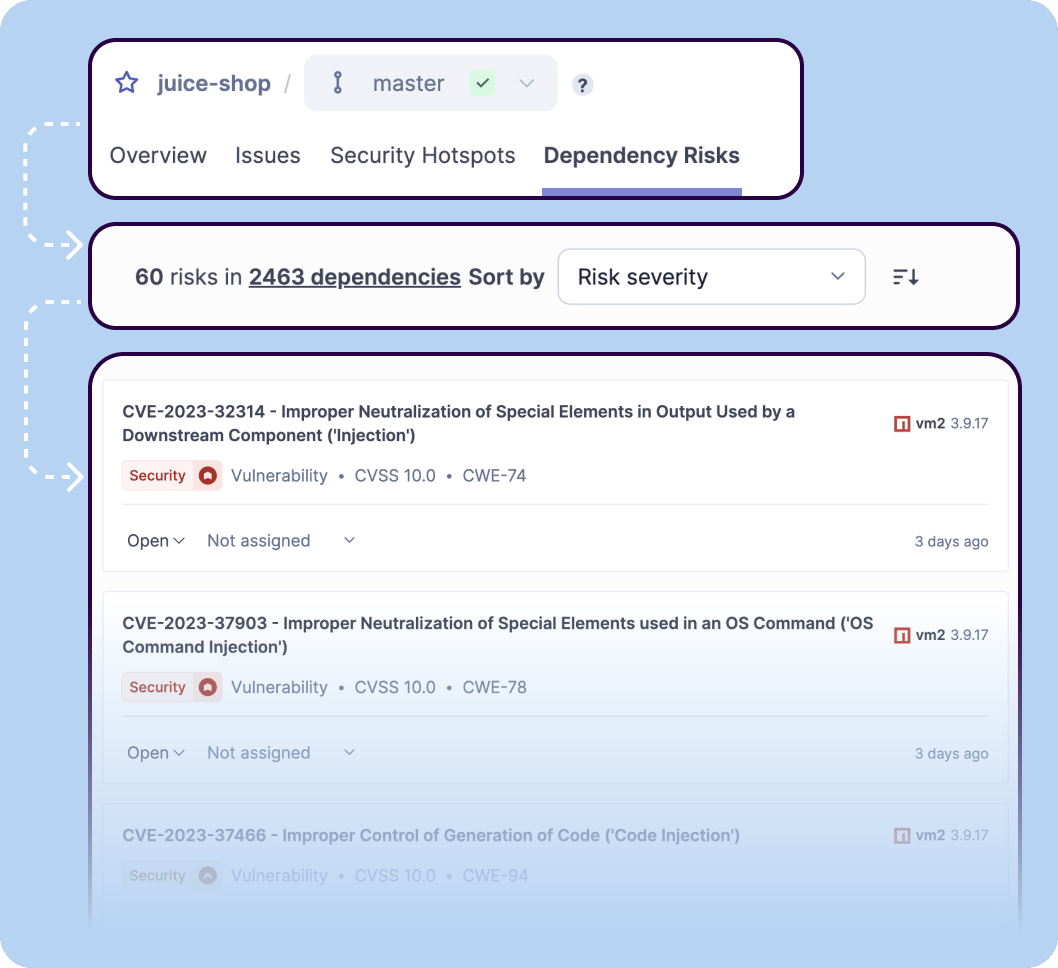
- What it is: a code-quality-plus-security platform that blends bug detection, code smells, and vulnerability scanning.
- Scan type: SAST, with a heavy code-quality focus.
- Best for: teams that want security and maintainability scored in the same pipeline gate.
- Free or paid: free Community Edition and SonarCloud free tier for open-source, paid for private and advanced rules.
- Standout feature: Quality gates. These enforce your quality policy by answering one simple question: is my project ready for release? This is done by defining a set of conditions against which projects are measured.
Checkmarx (Enterprise SAST)
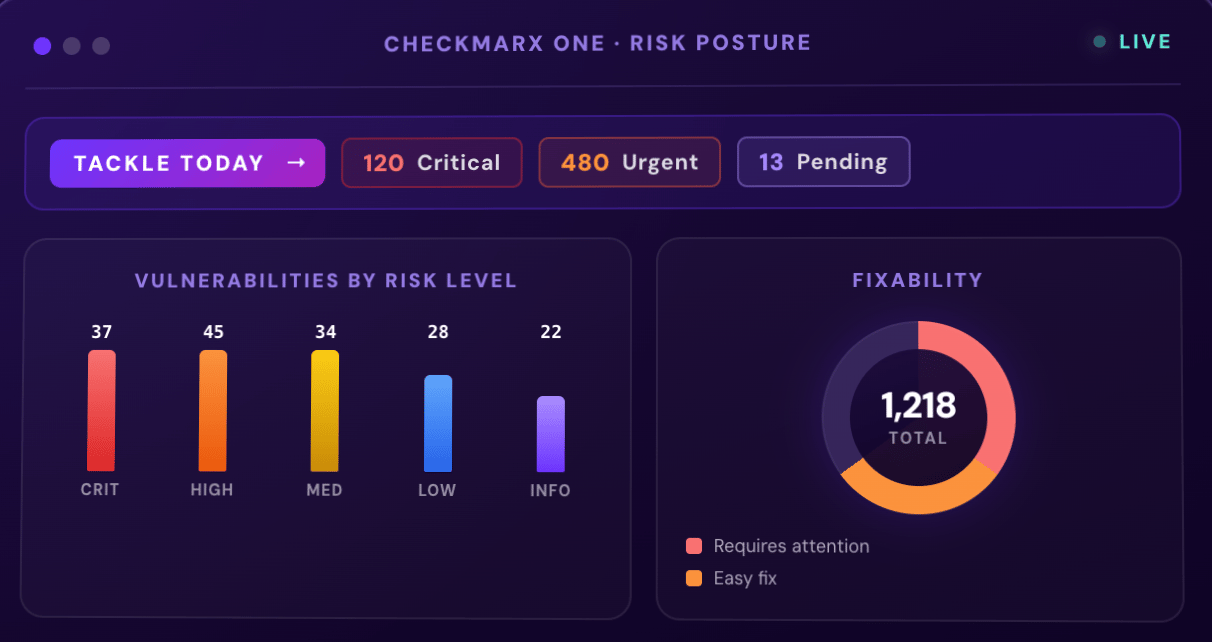
- What it is: an enterprise application-security platform with deep, configurable static analysis.
- Scan type: SAST at its core, expanding into SCA, IaC, Supply Chain systems and API security.
- Best for: large, regulated organizations that need granular policy control and broad language support.
- Free or paid: paid, enterprise-focused.
- Standout feature: fine-grained query customization and high fidelity detection at every control point
Veracode (SAST + DAST)
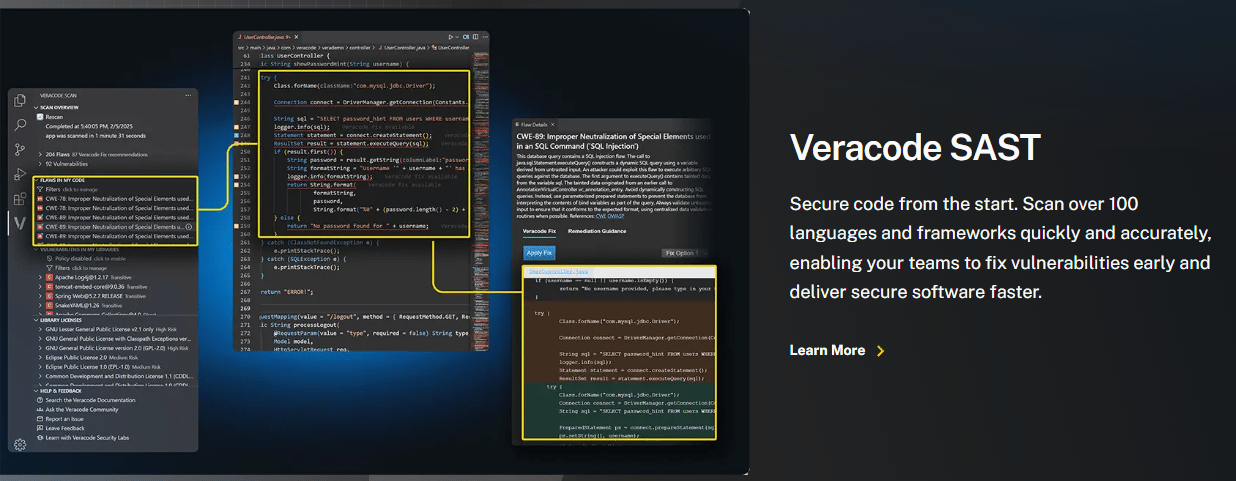
- What it is: a long-standing application-security platform combining static and dynamic analysis in one place.
- Scan type: SAST plus DAST, with SCA available.
- Best for: compliance-driven teams that want both code-level and runtime coverage from a single vendor.
- Free or paid: paid.
- Standout feature: pairing static and dynamic results so you can see which code-level findings are actually reachable at runtime.
GitHub Advanced Security / CodeQL
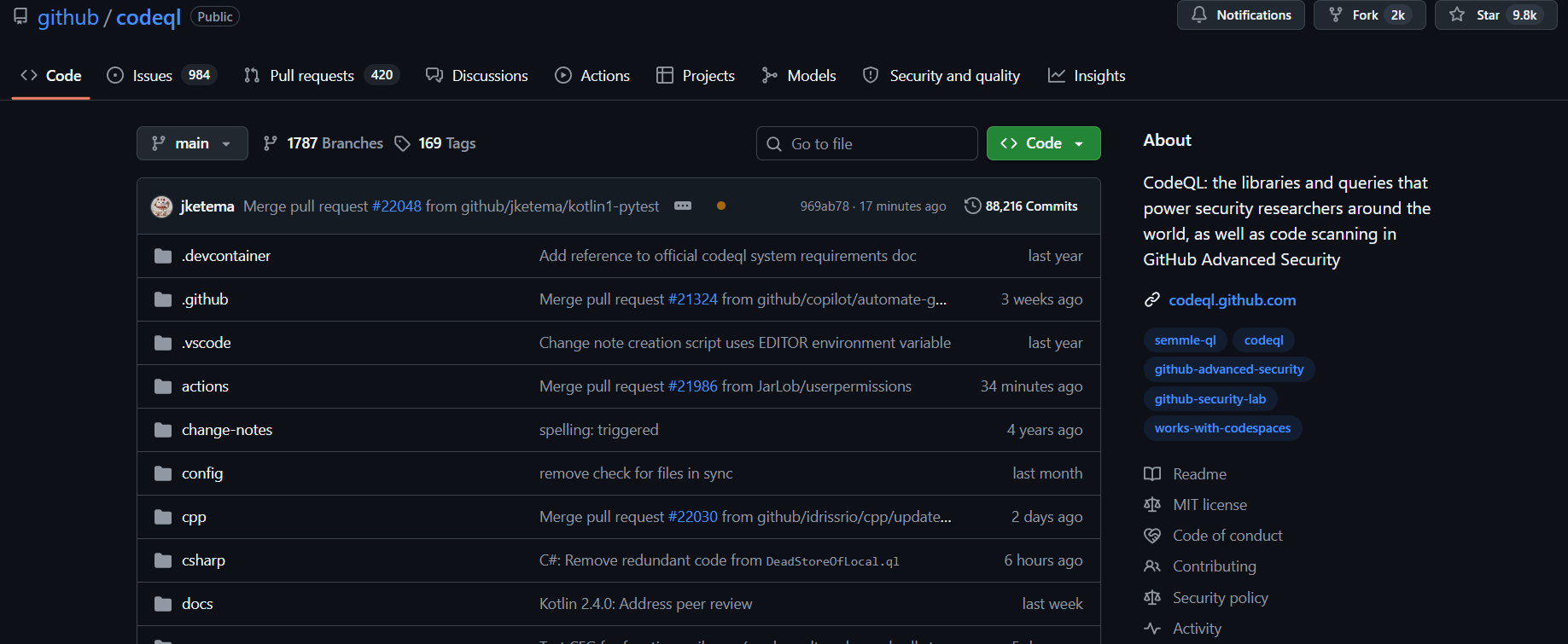
- What it is: GitHub’s native security suite, powered by the CodeQL semantic analysis engine and now split into Code Security and Secret Protection.
- Scan type: SAST (CodeQL), secrets scanning, and dependency review.
- Best for: teams already living inside GitHub who want scanning built into pull requests with zero context-switching.
- Free or paid: free for public repos; for private repos, Code Security runs about $30 and Secret Protection about $19 per active committer per month.
- Standout feature: CodeQL lets you query your code like a database to hunt for variant vulnerabilities, plus Copilot Autofix suggests patches in the PR.
Enabling CodeQL is a single workflow file dropped into your repo:
# .github/workflows/codeql.yml
name: "CodeQL"
on:
  push:
	branches: [ main ]
  pull_request:
	branches: [ main ]
jobs:
  analyze:
	runs-on: ubuntu-latest
	permissions:
  	security-events: write
	steps:
  	- uses: actions/checkout@v4
  	- uses: github/codeql-action/init@v3
    	with:
      	languages: javascript, python
  	- uses: github/codeql-action/analyze@v3
Trivy (containers + IaC)
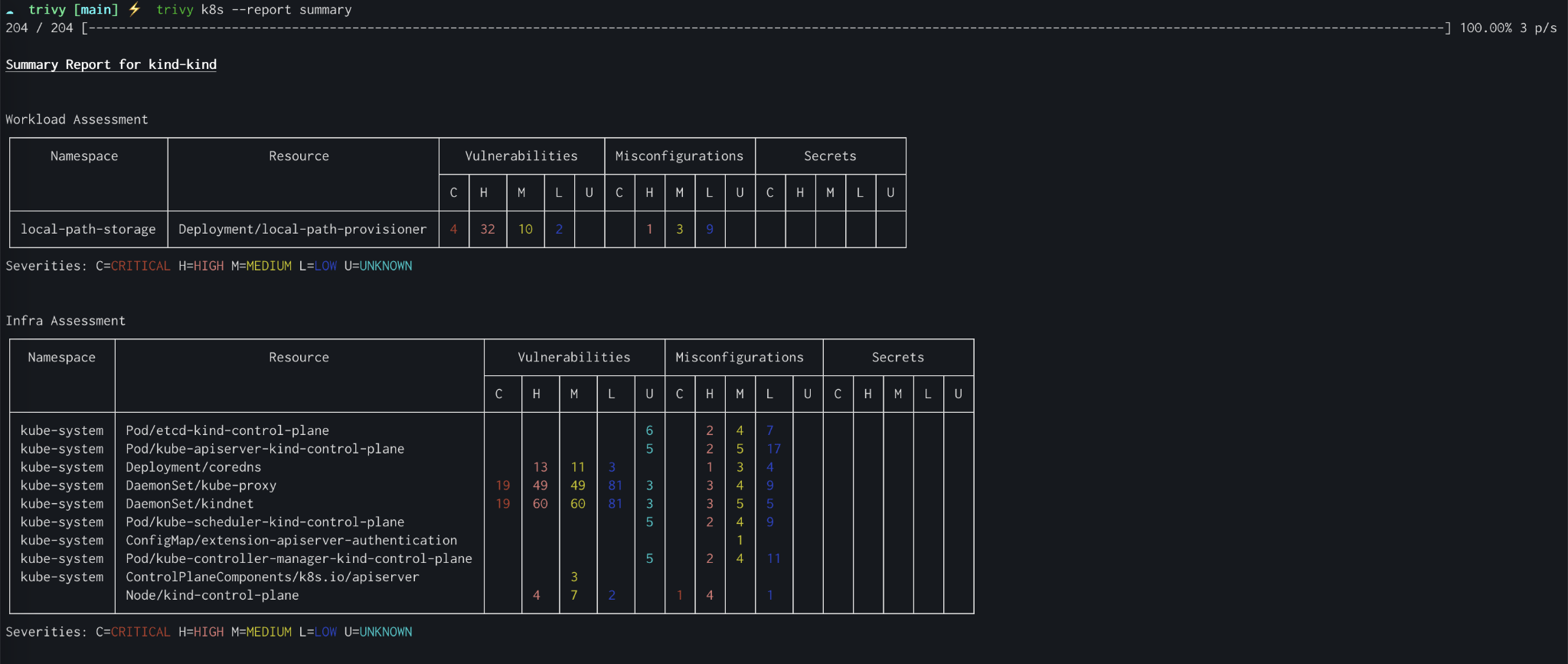
- What it is: a popular open-source scanner for container images, filesystems, and infrastructure-as-code.
- Scan type: SCA, container, and IaC scanning, plus secrets and misconfiguration checks.
- Best for: cloud-native teams who want one fast CLI to scan images and Terraform before they ship.
- Free or paid: free and open-source.
- Standout feature: it scans an entire container image, OS packages, and app dependencies in a single command with almost no setup.
Scanning an image with Trivy is simply one line, which is why it shows up in so many pipelines:
# Scan a container image for HIGH and CRITICAL issues,
# and fail the pipeline if any are found
trivy image --severity HIGH,CRITICAL \
  --exit-code 1 my-app:latest
Gitleaks / TruffleHog (secrets scanning)
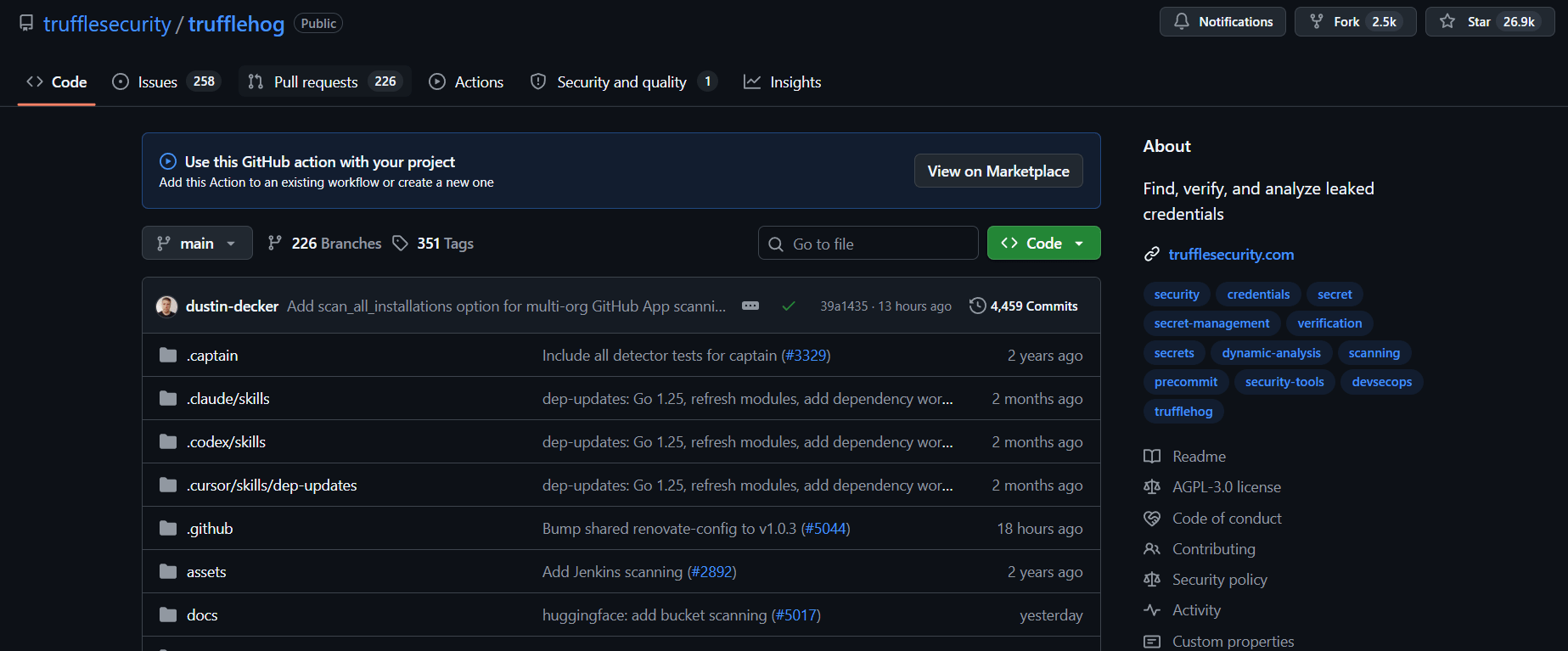
- What it is: two open-source tools that scan repositories and git history for leaked secrets and credentials.
- Scan type: secrets scanning.
- Best for: any team that wants a pre-commit or CI gate to stop keys from ever reaching the repo.
- Free or paid: free and open-source.
- Standout feature: TruffleHog verifies whether a found credential is actually live, so you are not drowning in dead-key noise.
A Gitleaks pre-commit hook catches secrets before they ever leave a developer’s laptop:
# Run as a pre-commit hook to block staged secrets
gitleaks protect --staged --verbose

# Or audit the entire git history of a repo
gitleaks detect --source . --report-format json \
  --report-path gitleaks-report.json
Bonus: Astra Security (Continuous Pentesting + Secret Scanning)
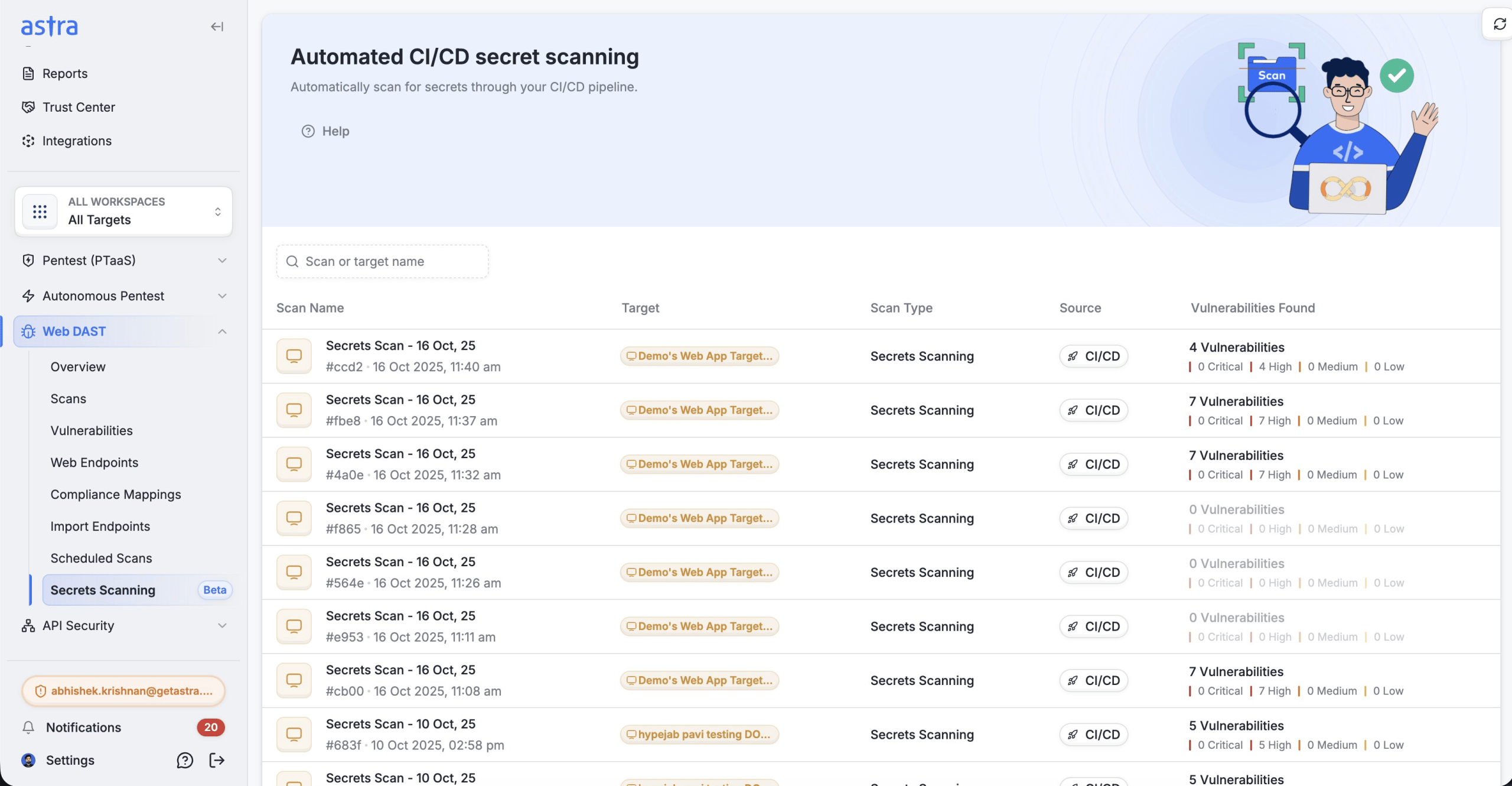
- What it is: a continuous, offensive security platform that unifies automated scanning with human-validated pentesting across web, API, cloud, and mobile.
- Scan type: automated DAST-style scanning with secret scanning plus manual pentesting and a bounty-hunter-based autonomous Agentic AI-driven engine that chains vulnerabilities and builds attack scenarios the way a real attacker would.
- Best for: teams that have outgrown point-in-time scans and need cross-surface, severity-weighted coverage with humans confirming the critical findings.
- Free or paid: paid, with plans scaled to surface and breadth of engagement. Check pricing here
- Standout feature: it tracks architectural flaws that have no CVE (IDOR, authentication bypass, privilege escalation) and verifies findings with human analysts rather than handing you an unreviewed list.
Our Honest Verdict, When to Go for Astra:
If your only need is a free, in-IDE rule engine for a single language, a lightweight open-source SAST tool will fit best.
Astra enters the picture when compliance becomes a key bottleneck and scanning ceases to stop being enough, i.e., secret scanning, cloud credentials are leaking through mobile apps, IDOR is reappearing on every surface, and when you need someone to confirm and remediate a critical finding at your ship velocity.
Side-by-side Comparison
| Tool | Scan Type | Best For | Pricing |
|---|---|---|---|
| Semgrep | SAST | Custom rules, dev-first | Free + paid |
| Snyk | SCA + SAST | Dependency risk | Free + paid |
| SonarQube | SAST | Code quality + security | Free + paid |
| Checkmarx | SAST | Enterprise, regulated | Paid |
| Veracode | SAST + DAST | Compliance coverage | Paid |
| GitHub AS / CodeQL | SAST + secrets | GitHub-native teams | Free (public) + paid |
| Trivy | SCA + containers/IaC | Cloud-native pipelines | Free |
| Gitleaks / TruffleHog | Secrets | Pre-commit / CI gate | Free |
How to Choose the Right Tool
There is no one-size-fits-all code security scan tool; you need to decide on the basis of your team, stack, and stage. These 5 questions will help you narrow the shortlist fast:
- Team size and budget: a 3-person startup can’t run the same security posture as a 500-engineer firm. Open-source tools like Semgrep, Trivy, and Gitleaks get you a long way for free; enterprises usually need policy control, compliance support, and dedicated expert support, which has its cost.
- Language stack: confirm first-class support for your languages and frameworks. A tool that is excellent at Java but shaky on Go is the wrong tool if you’re deploying via the latter.
- Where in the pipeline you need scanning: IDE for instant feedback, CI for a merge gate, production for runtime DAST. Most mature teams run more than one.
- Compliance requirements: if SOC 2, PCI, or HIPAA is in scope, you need clean reporting and audit trails, not just detection.
- Open-source vs. enterprise: open-source gives flexibility and zero licensing cost but asks for more setup while enterprise gets you support, dashboards, and accountability.
Don’t over-trust a single point-in-time scan: In 2025, 22% of organizations on our platform ran a single engagement and went dark, and 29% tested only one surface. A scan tells you what was there when you looked. The attack surface keeps moving after that. Treat scanning as a continuous habit wired into your pipeline, not a checkbox you tick once a year. Read the full report for free!
FAQs
What is the difference between SAST and DAST?
Static analysis via SAST reveals potential issues, whereas DAST identifies proof-based findings that occur during actual attacks.
Are code security scan tools enough on their own?
Straight up? No. Scanners are excellent at finding known patterns, but the highest-loss vulnerabilities in our 2025 dataset- IDOR at $1.1M in tracked exposure, authentication bypass, and privilege escalation- need human review and pentesting on top of automated scanning.
How often should you run code security scans?
Continuously, with static and dependency scans running on every commit and pull request. Data showed that easing off scanning for a single month (November 2025) preceded the year’s largest spike (1.8 million vulnerabilities in December), so consistency matters more than intensity.
What is the best free code security scan tool?
It depends on what you are scanning. For SAST, Semgrep’s open-source engine is hard to beat. For containers and infrastructure-as-code, Trivy is the go-to. For secrets, Gitleaks and TruffleHog are both free and effective. Many teams run all three together to cover code, dependencies, and credentials as well.
Can code security tools find zero-day vulnerabilities?
Partly. Signature-based scanners detect known patterns, but semantic engines like CodeQL let you query for vulnerability variants, but finding the unknown still leans heavily on human pentesters’ reasoning and working out how a system was designed.